


PixelOrb
PixelOrb
Orb Bundles & Savings
Couldn't load pickup availability
-
Ordered
- - -
Order Ready
- - -
Delivered

PixelOrb

Specs

Specs
Specs
Material
Optical-grade crystal glass orb with scratch-resistant coating; ABS/metal internal chassis.
Display
2.7-inch round IPS panel (full-view). Accepts video files up to 1080p and automatically scales to the display for smooth playback.
Storage
Built-in 4 GB (≈ 60–120 min of video, depending on bitrate).
Battery & Power
- 800 mAh rechargeable Li-ion
- Up to 4 hrs loop playback (typical brightness)
- USB-C charging, 5 V ⎓ 1 A
- Charge time: ≈1 hrs
Formats & Transfer
- Video: MP4 (H.264/AAC) recommended; supports common bitrates up to 10 Mb/s
- Load via USB-C (drag-and-drop from computer)/ Wifi (Phone App); simple file replace to update content
Lighting & Effects
Ambient halo light with adjustable brightness; seamless loop playback; optional auto-start on power-up.
Audio
Integrated micro speaker (1.5W, 8Ω) designed for compact, balanced playback.Produces clear sound for short clips, ambient loops, and soft background audio.
Size & Weight
Diameter 70 mm (7 cm) • Weight ≈200 g.
What’s in the box
Orb display, USB-C cable, plastic base, quick-start guide.
Certifications
CE, RoHS complian

Shipping

Shipping
- Free tracked shipping on all orders
- Dispatch in 1–2 business days (Mon–Fri)
- Typical delivery: 3–7 business days (ships from the nearest regional warehouse)
- Tracking via email/SMS as soon as your order leaves our facility
- Address edits/cancellations: possible before dispatch—contact support ASAP
- Full details

Returns & Warranty

Returns & Warranty
- 15-day returns—email us with your order # to start items must be like-new with all accessories
- 12-month limited warranty for manufacturing defects
- Returns policy


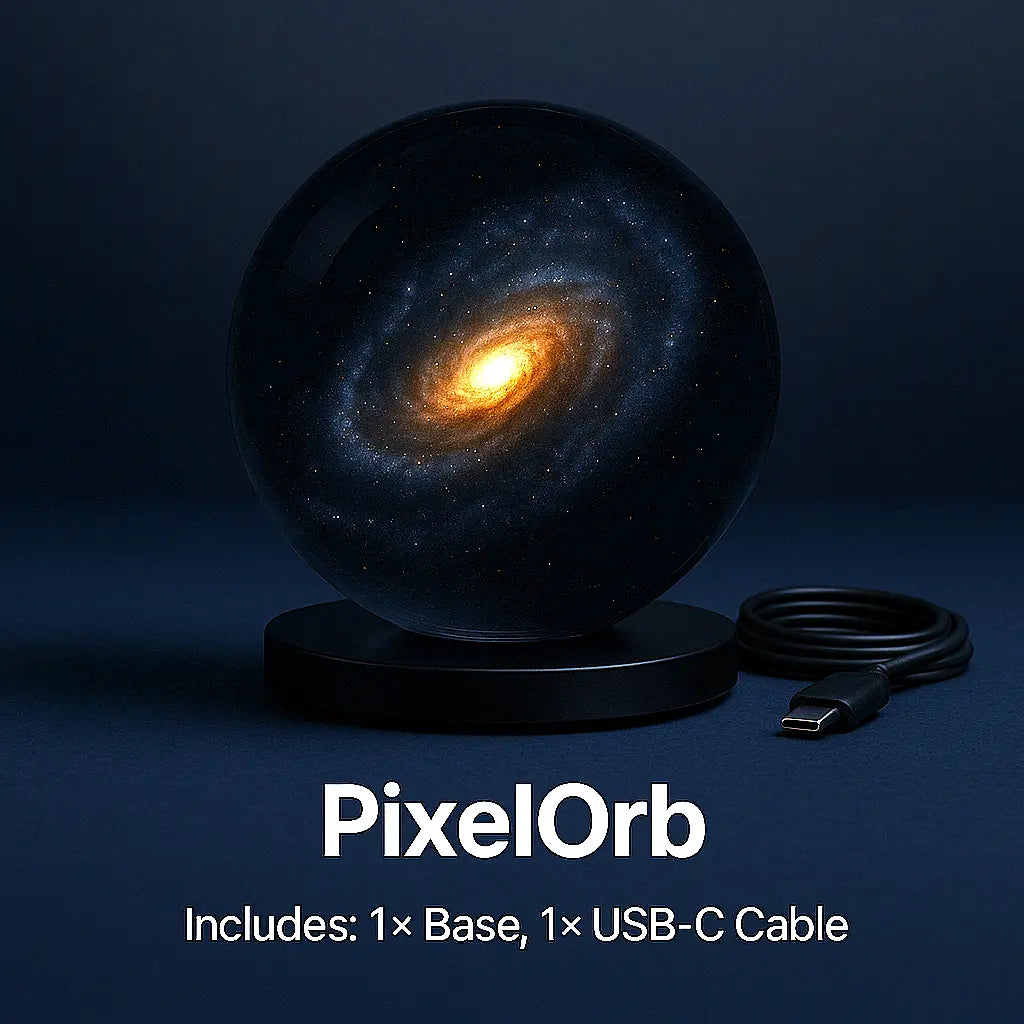
PixelOrb — Decor Without Limits
Easy Setup
Wi-Fi App
- Scan the QR code in the manual to download the PixelOrb app, power on the orb.
- Open the app and pair to your Wi-Fi.
- Tap Upload → pick your video(s).
- Done — playback starts automatically.
USB-C
- Plug PixelOrb into your computer with the USB-C cable.
- It shows up as a drive → drag MP4 (H.264) files in.
- Eject the drive, unplug.
Power on — clips auto-loop.


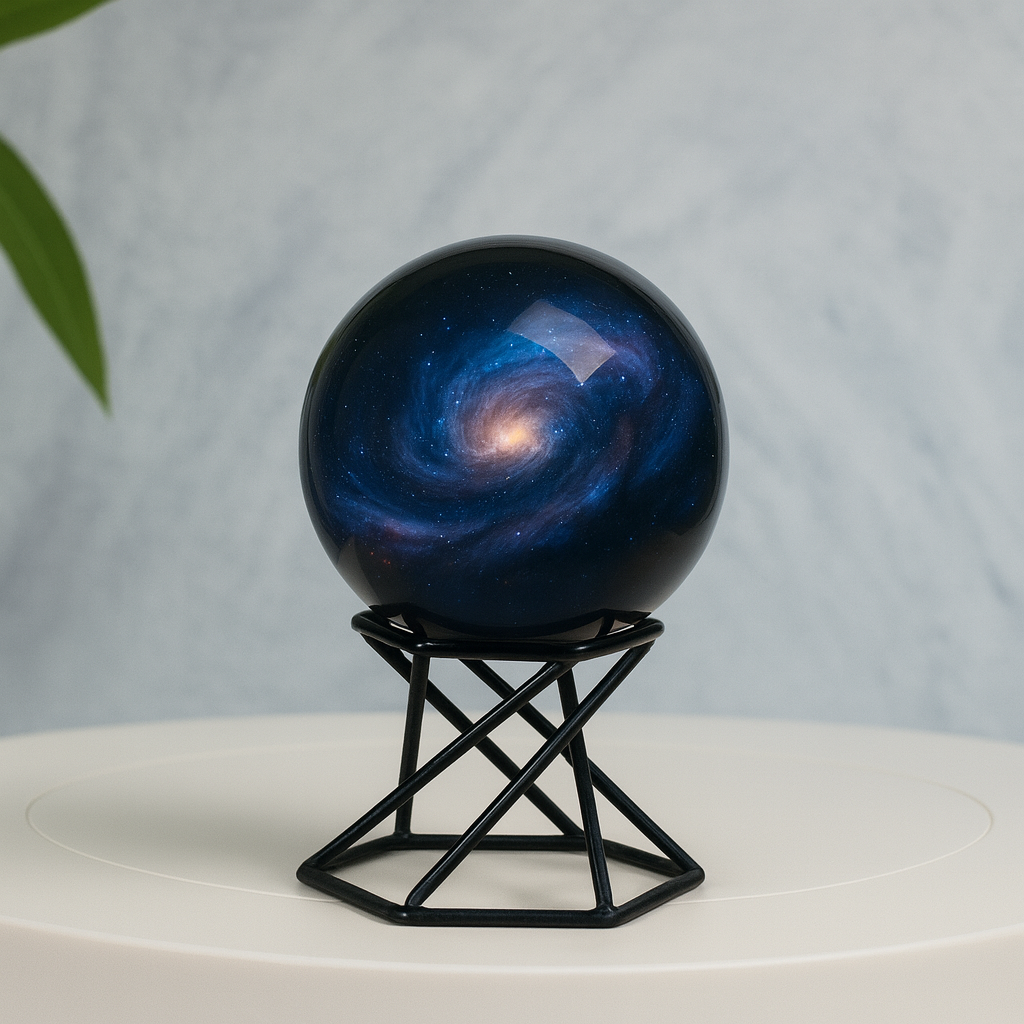
Metal Orb Display Bases
Metal Orb Display Bases


Track your order
Please enter you tracking number below. If your tracking number doesn't work feel free to contact us at support@viicor.com